API-päring on päring (request) teie programmist teisele teenusele või serverile interneti kaudu. Päringus küsite andmeid või saadate teavet.
Ülesanne: Luuame veebileht API-ga
Sisse logime sandbox-is ja luuame uus HTML static template fail ja kirjutame seda kood
<!DOCTYPE html>
<html lang="en">
  <head>
    <meta charset="UTF-8" />
    <meta name="viewport" content="width=device-width, initial-scale=1.0" />
    <meta http-equiv="X-UA-Compatible" content="ie=edge" />
    <title>Staric template</title>
    <link rel="stylesheet" href="styles.css" />
  </head>
  <body>
    <h1>API Request Bacon</h1>
    <button type="button" onclick="loadDoc()">Request bacon</button>
    <p id="demo"></p>
    <script>
      function loadDoc() {
        const xhttp = new XMLHttpRequest();
        xhttp.onload = function () {
          document.getElementById("demo").innerHTML = this.responseText;
        };
        xhttp.open(
          "GET",
          "API link"
        );
        xhttp.send();
      }
    </script>
  </body>
</html>
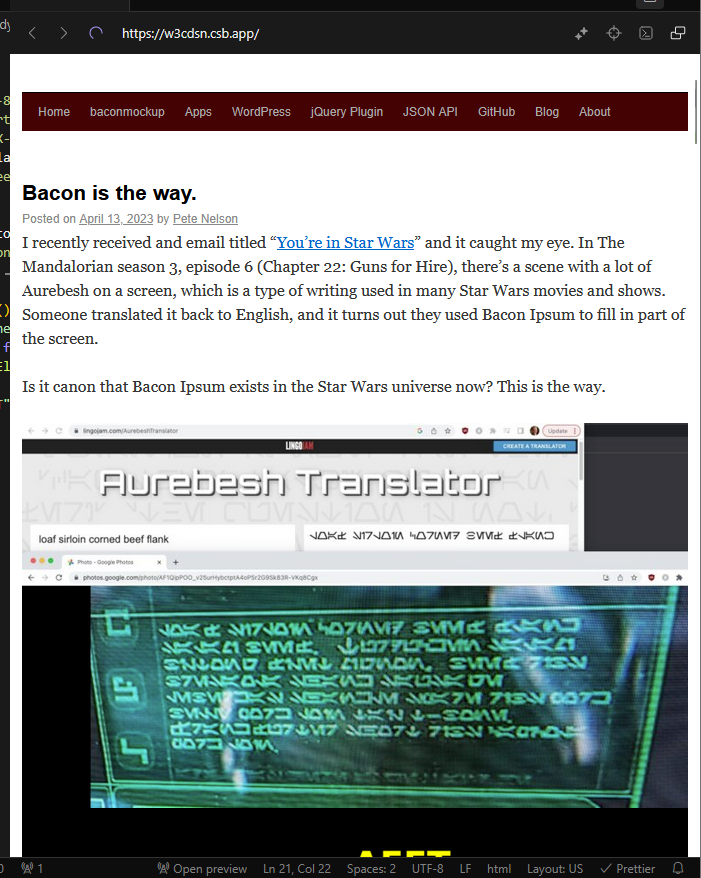
Oma API
Leidsin liha-teemaline juhusliku teksti generaator
https://baconipsum.com/api/?type=meat¶s=3&format=text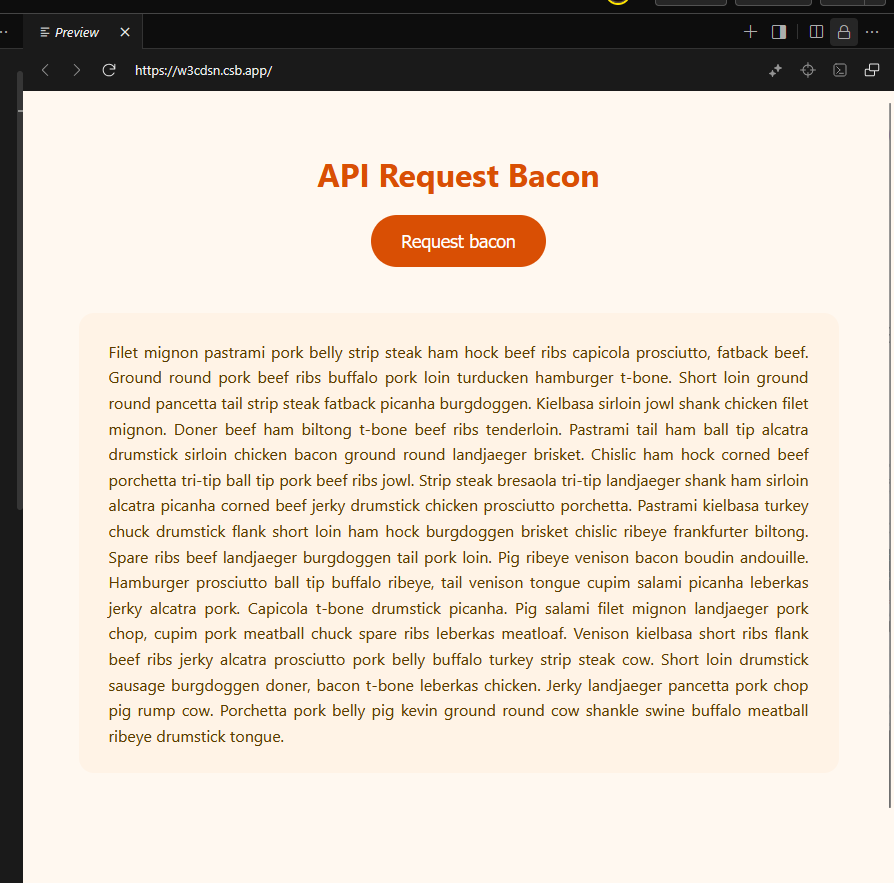
body {
  font-family: "Segoe UI", Tahoma, Geneva, Verdana, sans-serif;
  background: #fff8f0;
  color: #4a4a4a;
  margin: 0;
  padding: 40px;
  display: flex;
  flex-direction: column;
  align-items: center;
  min-height: 100vh;
}

h1 {
  color: #d94f04;
  margin-bottom: 20px;
  font-weight: 700;
}

button {
  background-color: #d94f04;
  color: white;
  border: none;
  padding: 15px 30px;
  border-radius: 30px;
  font-size: 1.1rem;
  cursor: pointer;
  margin-bottom: 30px;
}
#demo {
  max-width: 700px;
  background: #fff3e6;
  border-radius: 15px;
  padding: 25px 30px;
  line-height: 1.6;
  color: #5a3d00;
  text-align: justify;
}
Kokkuvõtte/Päringud
avame uus HTTP päring
xhttp.open("GET", url)saab päringu serverisse
xhttp.send();AJAX päring mis saab API aadressile päring
XMLHttpRequest